Post
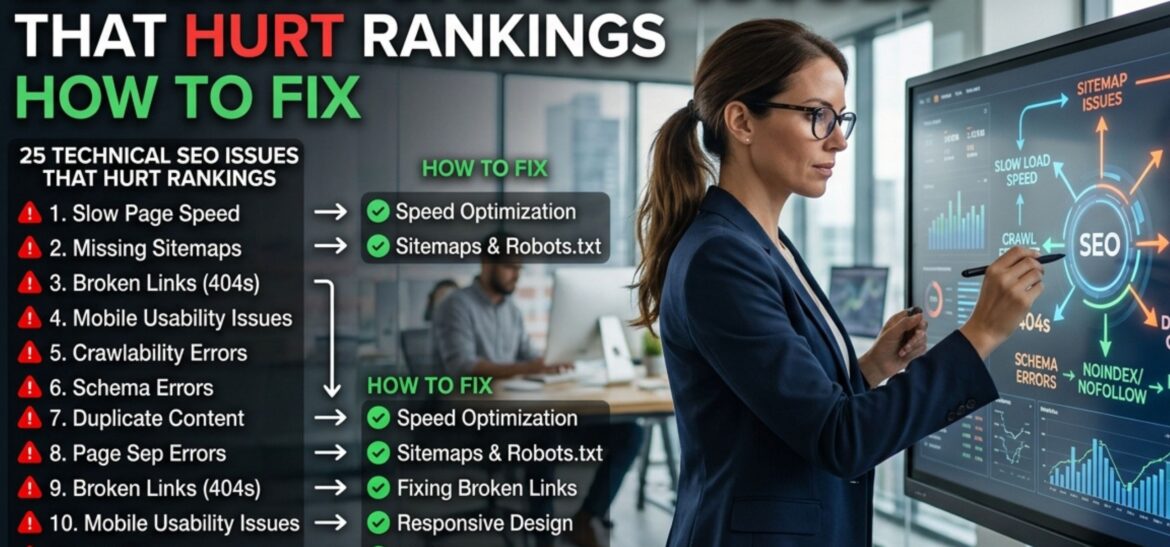
25 Technical SEO Issues That Hurt Rankings – How To Fix
Technical SEO doesn’t get much attention because it’s boring. Nobody wants to talk about robots.txt files at a dinner party. But Google can only rank pages it can actually crawl, render, and trust, and nearly every site I’ve audited over the past couple of years has at least five or six of the issues below quietly working against it. I’m not going to dress this up. Below are 25 real things that tank rankings, in roughly the order I’d check them if you handed me your site today. Let’s find those technical seo issues.
How To Optimize Your Website Quickly
1. Slow Page Speed. Still one of the biggest offenders, especially for anyone loading their site over 4G in a smaller city. If your homepage takes 5+ seconds to load, you’re losing people before they even see your content. Check it with PageSpeed Insights the number will probably annoy you.
Follow Us on Facebook, Instagram & LinkedIn
2. Bad Core Web Vitals. LCP, INP, CLS, Google’s whole point with these metrics is “does this page feel good to actually use.” A layout that jumps around while loading, or buttons that take a second to respond, drags your scores down even if the raw load time looks fine.
3. Not Actually Mobile-Friendly. Google indexes the mobile version of your site by default now. If your desktop site looks great but your mobile version has overlapping text or tiny tap targets, that’s the version being judged.
4. Broken Internal Links. Small thing, but it adds up. Every dead link on your site is a dead end for both users and crawlers. I still find sites linking to pages they deleted two years ago.
5. 404s From Lost Backlinks. If another site links to a page on yours that no longer exists, that link equity is just… gone, unless you 301 redirect it somewhere relevant.
6. Duplicate Or Missing Title Tags. This one’s almost always a CMS default problem, every product page pulling the same generic title. Google has no idea which page to actually show for a given query.
7. No XML Sitemap Submitted. Sounds basic, but plenty of sites either don’t have one or never submitted it through Google Search Console. Without it, you’re hoping Google finds your pages on its own.
8. Robots.Txt Mistakes. One misplaced “Disallow” line and your entire site can be invisible to Googlebot. I’ve seen this happen after a developer pushed a staging config live by accident.
9. Duplicate Content. Copy-pasted product descriptions, near-identical category pages, printer-friendly versions with no canonical, it all splits your ranking signals across pages competing with each other.
10. Missing Canonical Tags. Without them, Google might index your ?ref=facebook tracking URL instead of the clean version. Small detail, real consequence.
11. Thin Content. A 200-word page with no real substance isn’t going to outrank a competitor who actually answered the question. This is especially brutal in crowded niches like real estate or finance here in Pakistan.
12. HTTPS done half-right. Mixed content warnings, where some resources still load over HTTP, chip away at trust signals and can trigger scary browser warnings for visitors.
13. Redirect Chains. URL A redirects to B, which redirects to C, which finally lands on D. Every hop slows crawling and bleeds a bit of link equity.
14. Messy URLs. Something like /product?id=4521&cat=99&ref=xyz tells Google (and users) nothing. Clean, descriptive URLs crawl and rank better, full stop.
15. No Schema Markup. Structured data is basically you handing Google a cheat sheet about what your content actually is. Skip it, and you’re also skipping out on rich results like star ratings and FAQ dropdowns in the SERPs.
16. Orphan pages. If nothing on your site links to a page, it might as well not exist, even if the content is genuinely good.
17. Crawl budget getting wasted. Big sites with endless filter combinations, tag pages, and pagination can burn through Googlebot’s attention before it ever reaches your money pages.
18. No Alt Text On Images. Beyond accessibility (which matters on its own), missing alt text is a wasted opportunity for image search traffic and extra context for Google.
19. Hreflang Mistakes. If you’re targeting Pakistan alongside a UK or US audience, a wrong hreflang tag can mean the wrong country version shows up in the wrong place entirely.
20. Unreliable Hosting. This one’s personal for a lot of local businesses, cheap shared hosting that goes down during traffic spikes. Frequent downtime is a trust signal Google actively penalizes.
21. JavaScript Rendering Problems. Heavy JS frameworks that don’t render cleanly for Googlebot can leave your content basically invisible, even though it looks fine in a browser.
22. Missing Meta Descriptions. Not a direct ranking factor, sure, but it directly affects whether someone clicks your result over the one above it, and CTR does matter.
23. Keyword Cannibalization. Five blog posts all loosely targeting the same keyword means none of them rank well, because you’re competing against yourself.
24. Weak internal linking. If your homepage doesn’t link anywhere near your most important pages, you’re basically telling Google those pages don’t matter much.
25. Ignoring Search Console Warnings. Coverage errors, security issues, manual actions, most site owners only check these after traffic has already dropped, not before.
So where do you actually start?
Don’t try to fix all 25 in one weekend. Start with speed, indexability, and mobile experience, those three alone account for most of the damage I see. Run a free crawl through Google Search Console and Ahrefs Webmaster Tools, fix what’s breaking crawlability first, and build from there.
None of this is glamorous work. But it’s the difference between content that has a fighting chance in the SERPs and content that never gets seen at all.
FAQs
What’s the most common technical SEO issue on Pakistani websites specifically?
Honestly, it’s hosting and speed. A lot of local businesses are still on cheap shared hosting that can’t handle even moderate traffic, which shows up as both slow load times and occasional downtime, both hurt rankings.
How often should a technical SEO audit actually happen?
Every 2-3 months is fine for most small and mid-sized sites. If you’re running a large e-commerce store adding products weekly, monthly checks are safer.
Will fixing technical SEO alone get me to #1?
No you still need genuinely useful content and some backlinks. What technical SEO does is remove the roadblocks stopping Google from crawling and trusting your site properly, which is often the missing piece for sites that already have decent content but still aren’t ranking.